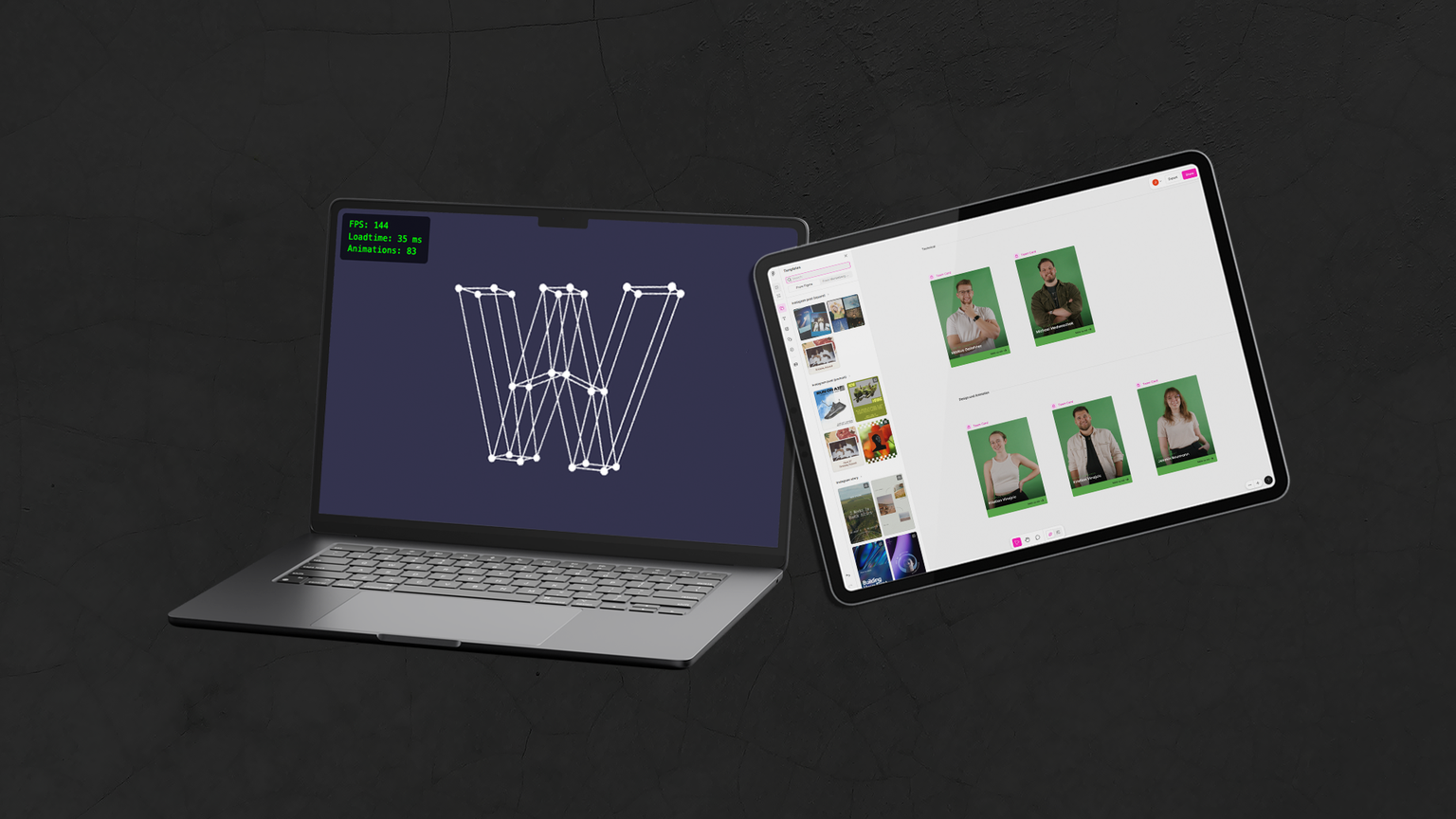
Once a month we spend a day on further training and on trying out new tools and programs.
3D on the web: performance and best practices
Kathi looked closely at how 3D models can best be embedded in websites. She examined different formats, rendering technologies and optimization tools and tried them out in her own test environment.
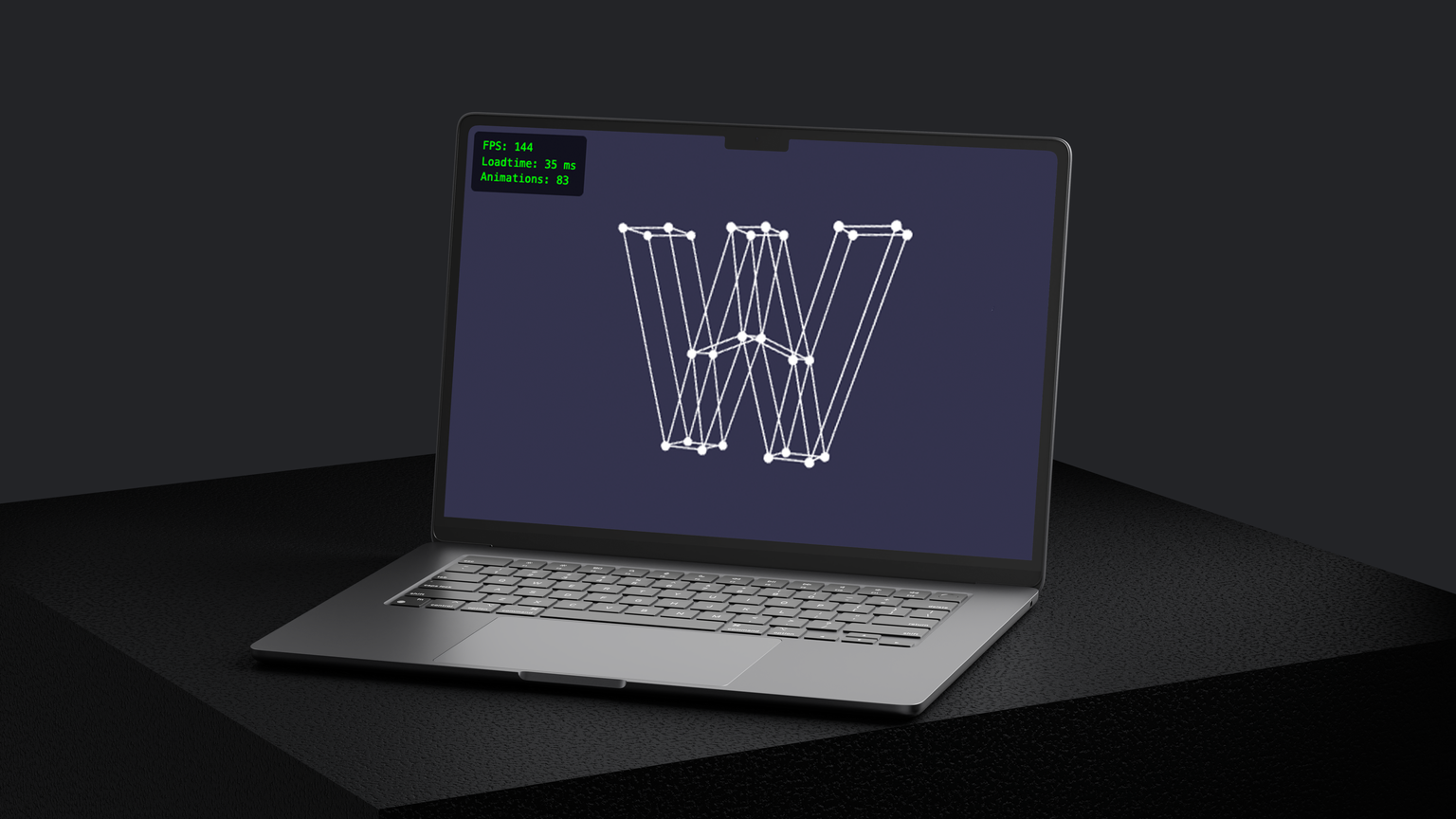
To do this, Kathi integrated various 3D models into a website. The parameters varied a lot: polygon count, textures, file size, compression and animation. Using Babylon.js, she measured loading times and frame rates (FPS) in different browsers, both Chrome and Safari.
Kathi found that a lower polygon count and optimized textures clearly improve loading time. Draco compression saves storage but can make loading slower. In a direct comparison, Chrome performed better than Safari. She also set some guideline values: loading times should stay under five seconds where possible, 60 FPS is ideal for smooth display, and for mobile use a file size of one to five MB makes the most sense.
Stylized transitions in Blender and seamless textures in Photoshop
Anja used the Techday to work on a creative topic.
On the side, Anja also looked at how to create seamless textures in Photoshop.
Efficient design processes with Figma Buzz
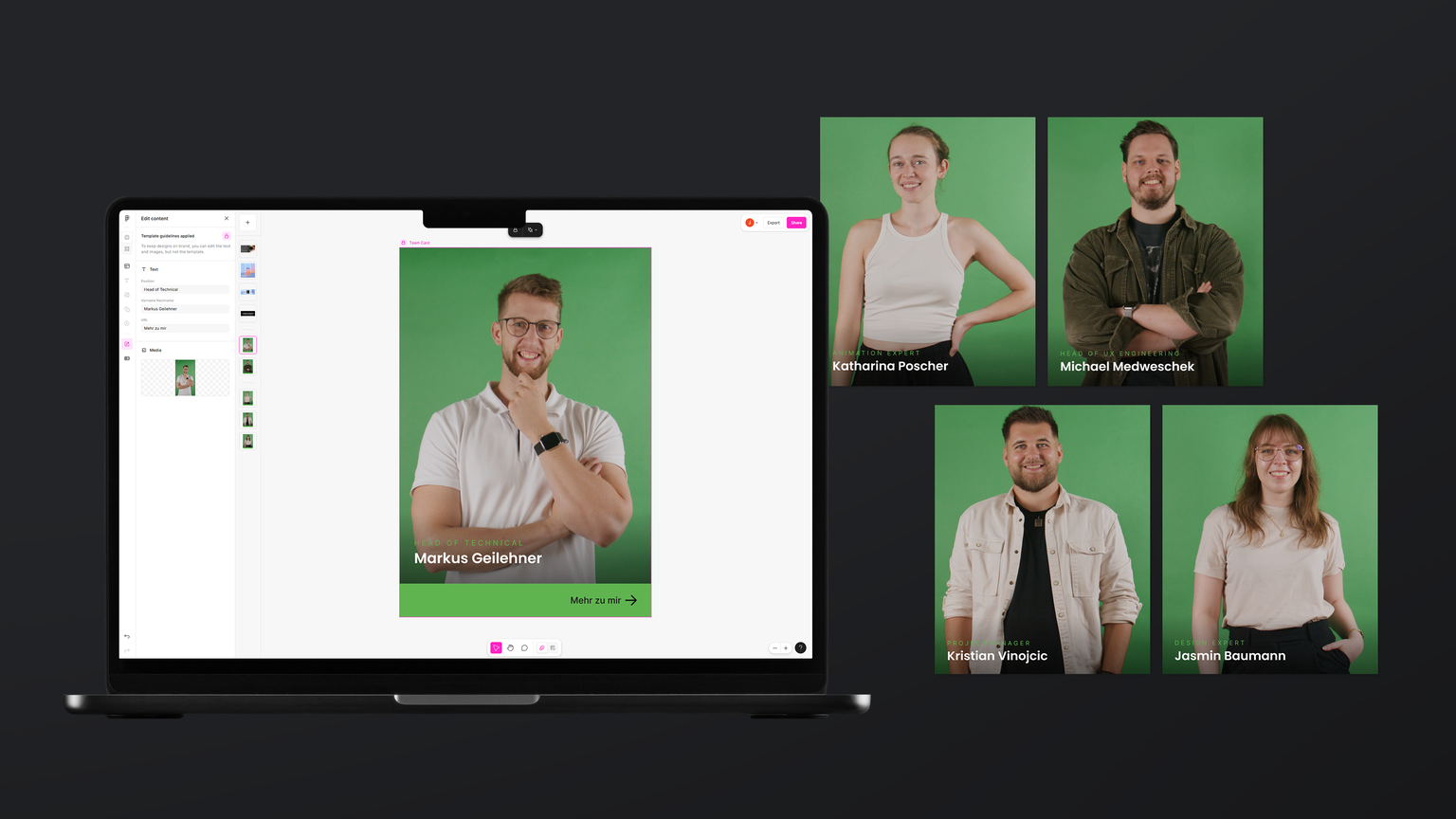
Julia took a look at Figma Buzz.
The big advantage is that colleagues without access to Adobe programs can also create designs with it easily.
Techdays are good for personal development, and they also bring our team closer together.
Get in touch!
Want to know more?
You can write us an email or call us. We look forward to your message!
You can write us an email or call us. We look forward to your message!